
Objective
Search MyInvy terminology, browse workflow guides, and submit support tickets with the details support needs.
Prerequisites
- You are signed in for glossary and support access.
- You have enough detail to describe the issue before submitting a ticket.
Step-by-step Instructions
Browse guides from the app
Click Guides in the top bar or open Contact Support and click Browse all guides. Use guide search to find setup, inventory, counting, replenishment, team, settings, or billing workflows.
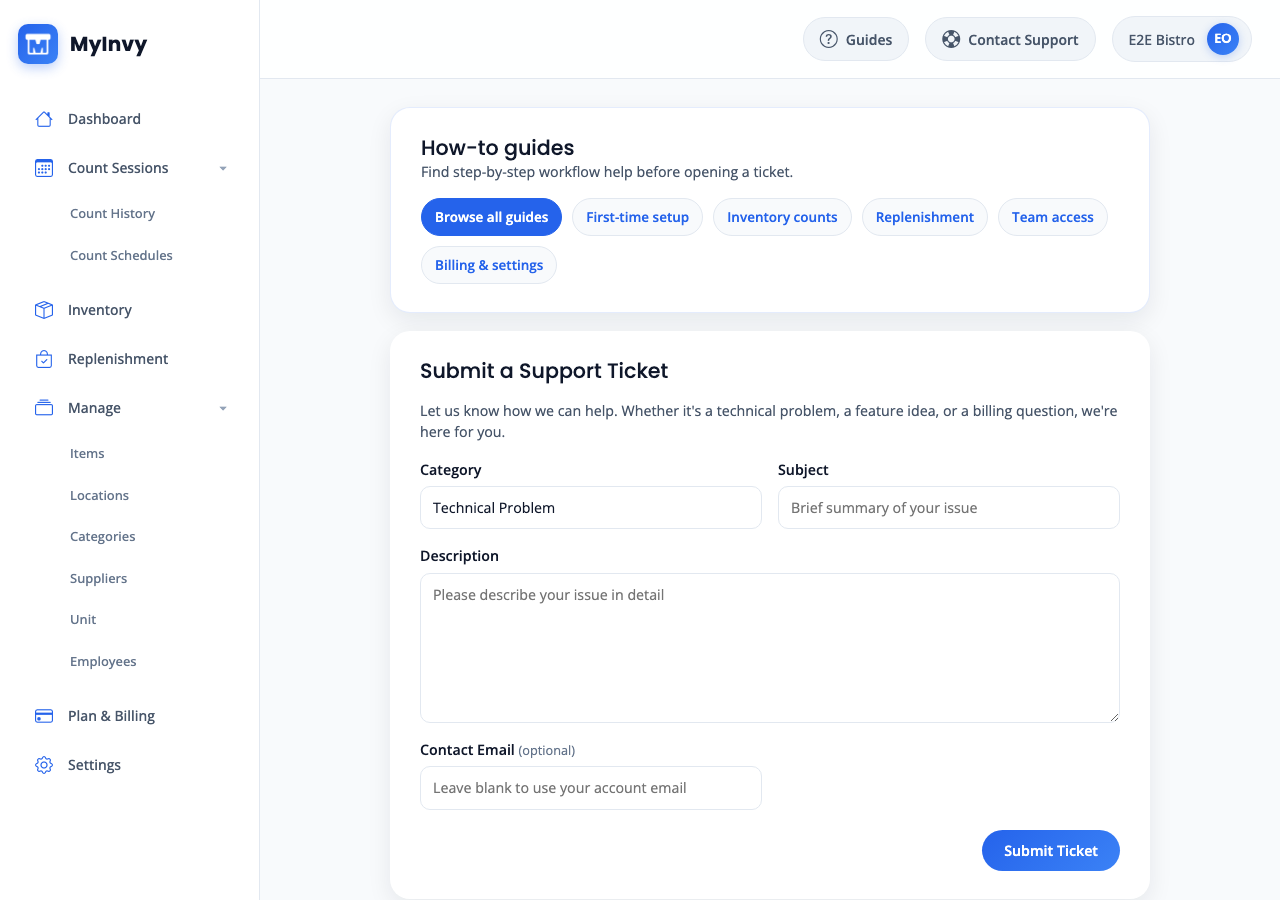
support guide panel with Browse all guides and common topic links. Open the glossary
Navigate to Settings and click Open glossary, or open /glossary directly.
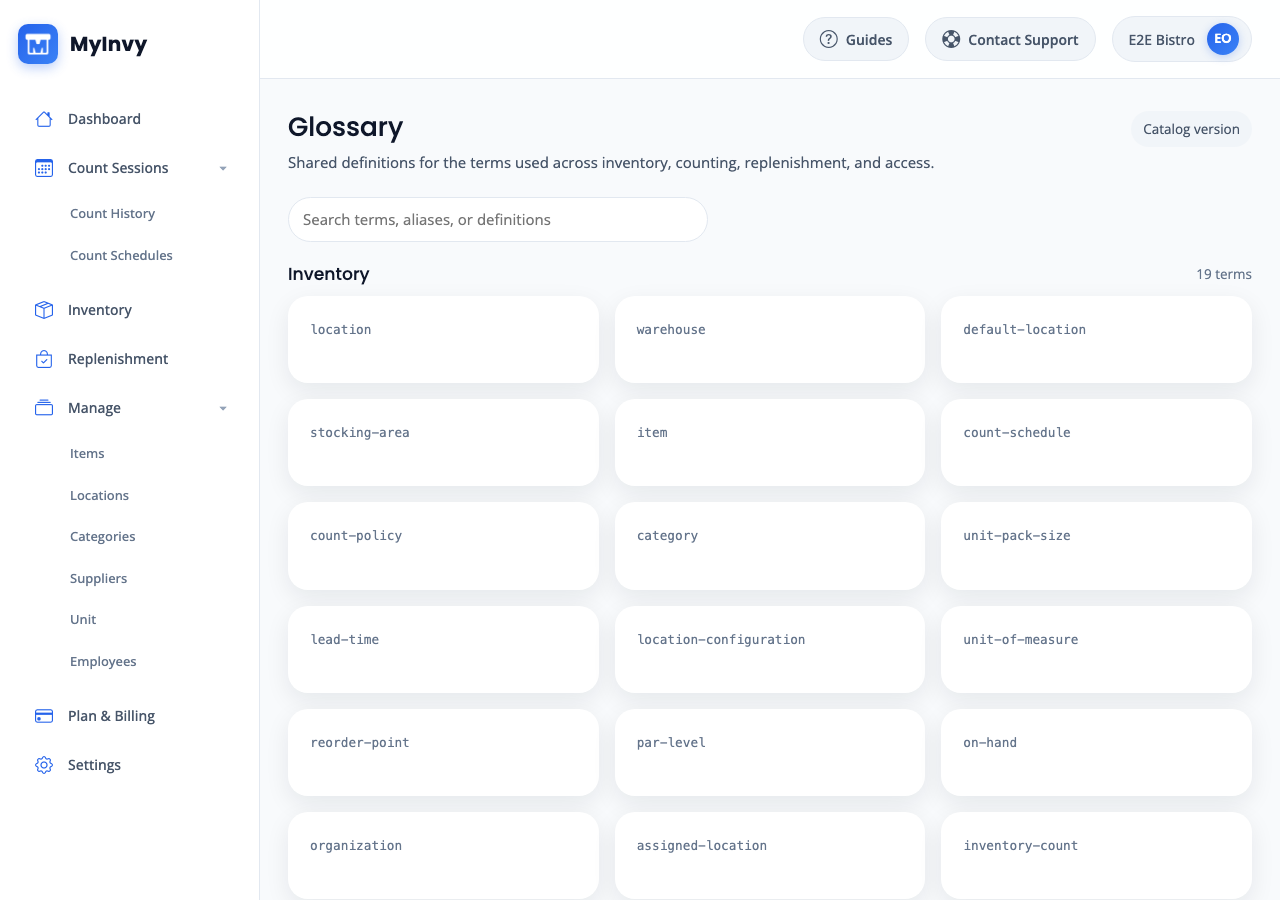
Glossary page with search input and grouped terminology categories. Search and review terms
Input a term, alias, or definition fragment in Search terms, aliases, or definitions. Open matching cards to review short definitions, full definitions, aliases, examples, and related terms.
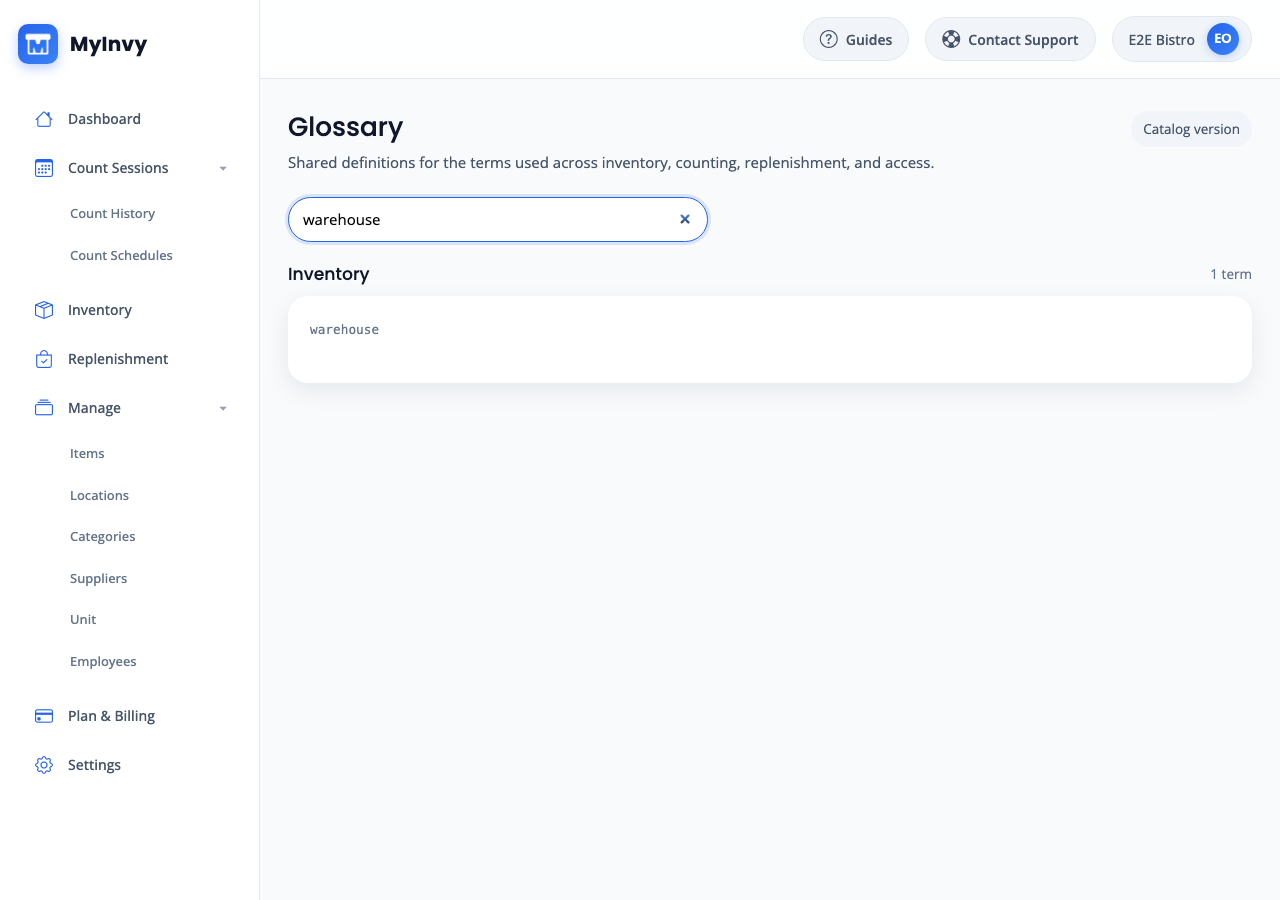
glossary term card with aliases, examples, and related-term chips. Open a support ticket
Click Contact Support. In Submit a Support Ticket, choose Category, input Subject, input Description, and optionally input Contact Email.
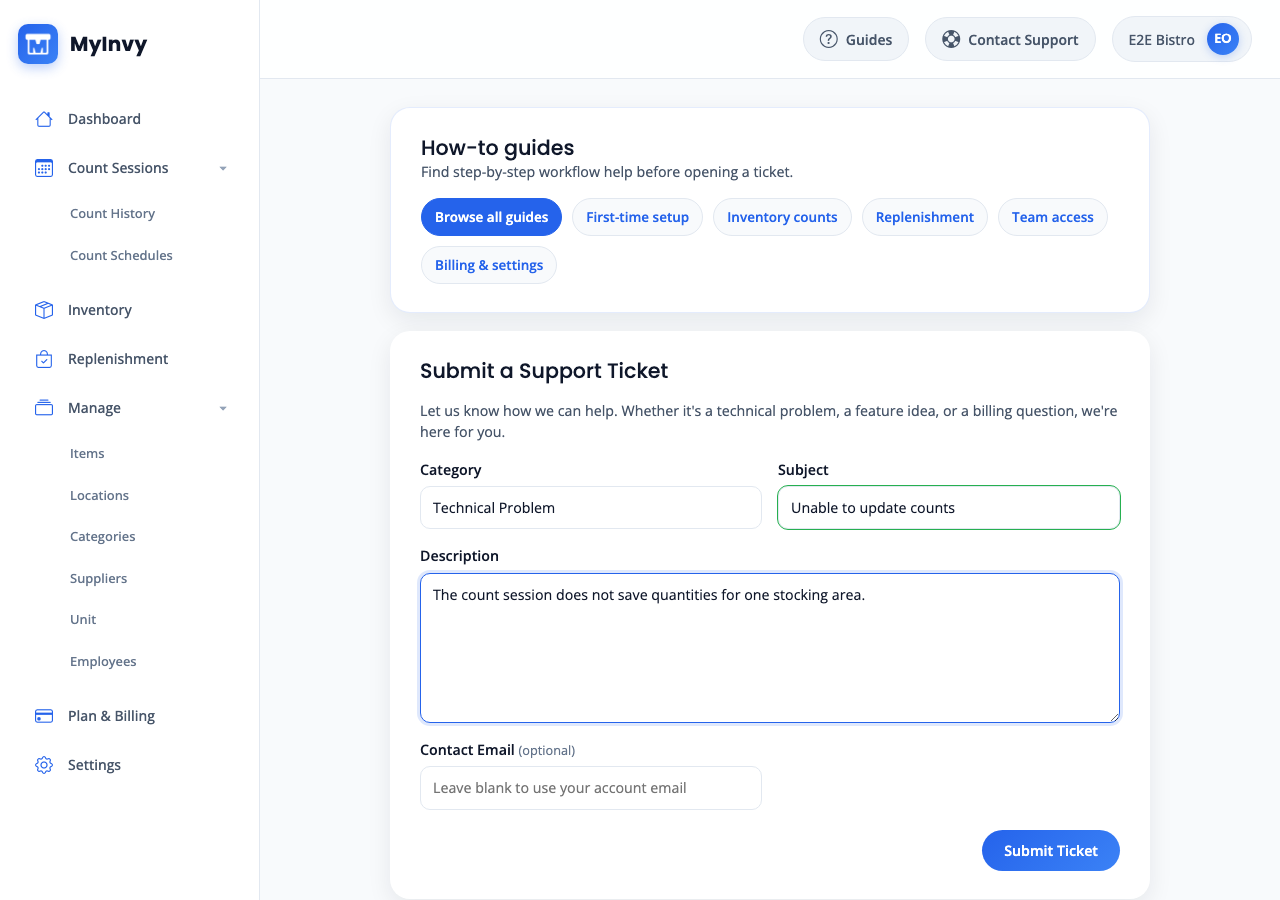
support form with Category, Subject, Description, optional Contact Email, and Submit Ticket. Submit and confirm
Click Submit Ticket. Wait for Ticket submitted! and confirmation that an email was sent to your account email. Click Submit another ticket only for a separate issue.
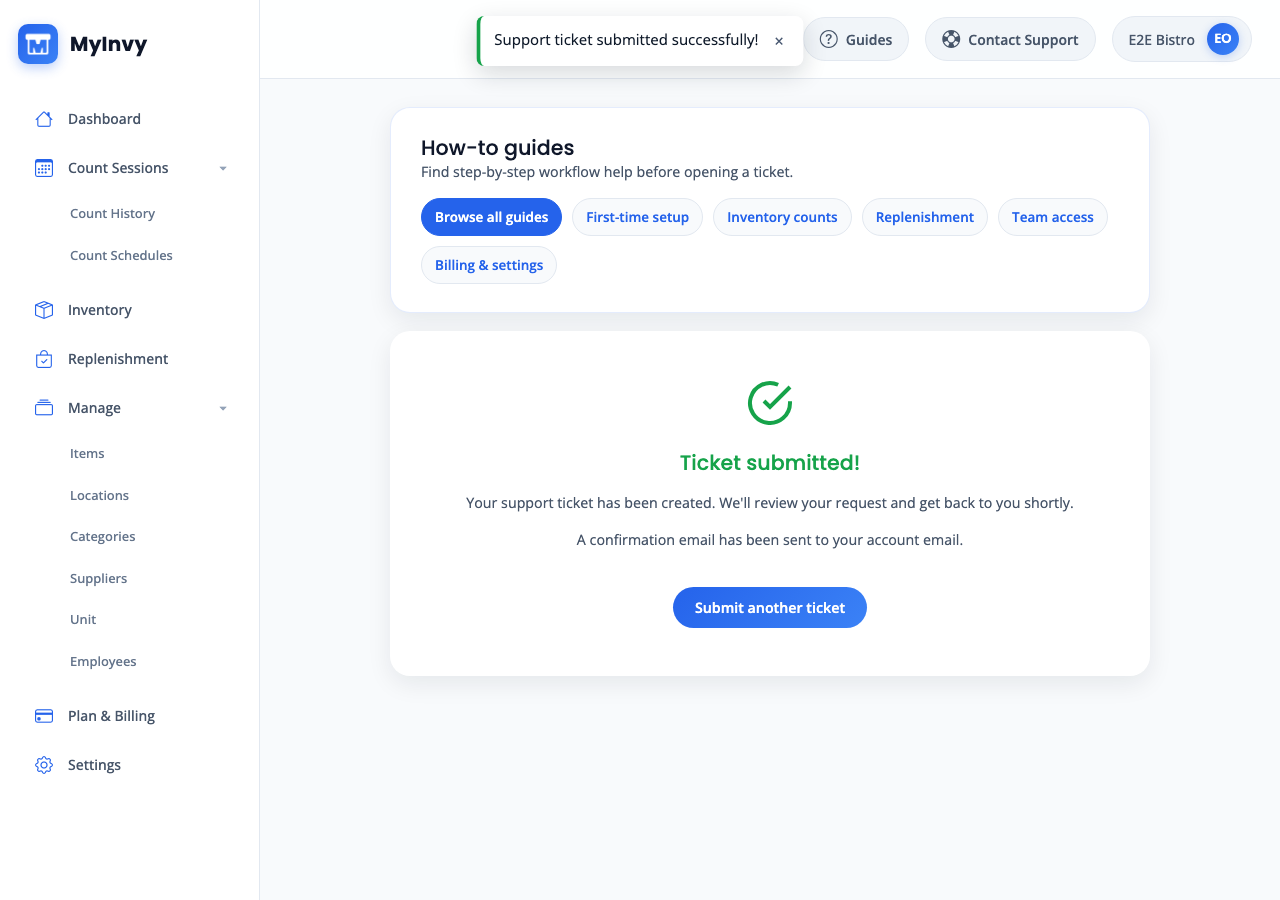
Ticket submitted success state with Submit another ticket action.
Success Criteria
You find the right guide or glossary term, or MyInvy creates a support ticket and shows Ticket submitted.
Troubleshooting Tips
- If Submit Ticket is blocked, confirm Subject is 3 to 200 characters and Description is 10 to 4000 characters.
- If glossary search returns no matches, try a broader term such as location, warehouse, count, replenishment, supplier, or role.
- If Browse all guides opens another tab, keep the app tab open so you can follow the workflow side by side.