
Bottle counts are time-sensitive
Owners need closing counts before the next order, not a file someone updates later.
Inventory management for bars
MyInvy gives bar owners a mobile count workflow for bottles, cans, mixers, garnishes, disposables, wells, coolers, cages, and storage rooms.
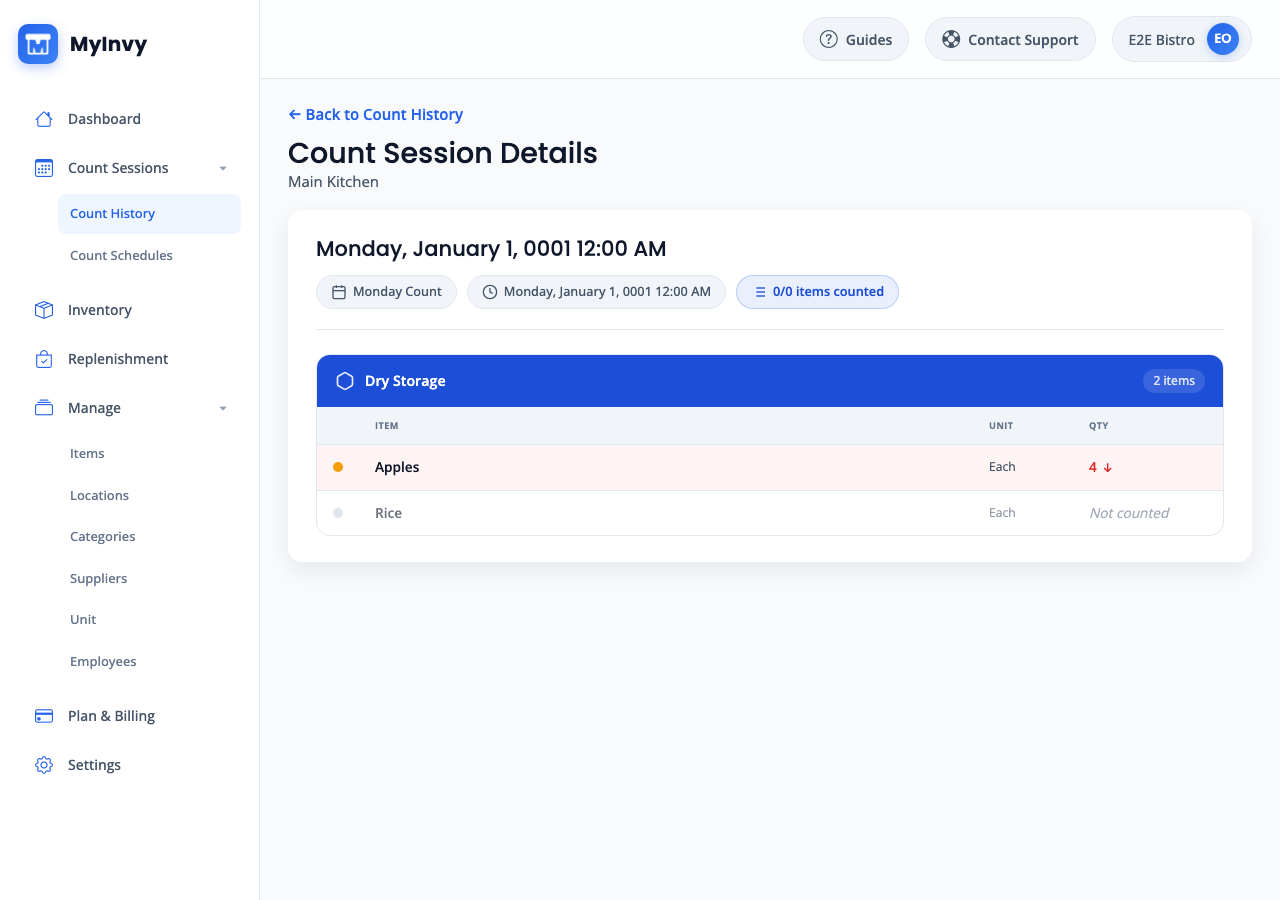
Bar inventory management software helps owners count bottles, cans, mixers, garnishes, disposables, and back-bar supplies by well, cooler, cage, storage room, warehouse, or location so ordering and transfers are based on current quantities.
Closing counts are rushed. Stock lives in too many places. Spreadsheet totals do not show what is actually in the well, cooler, back room, or warehouse.
Owners need closing counts before the next order, not a file someone updates later.
Wells, coolers, cages, back rooms, and warehouse locations all need separate visibility.
Multi-bar venues need structured transfer work instead of chat messages and copy-paste updates.
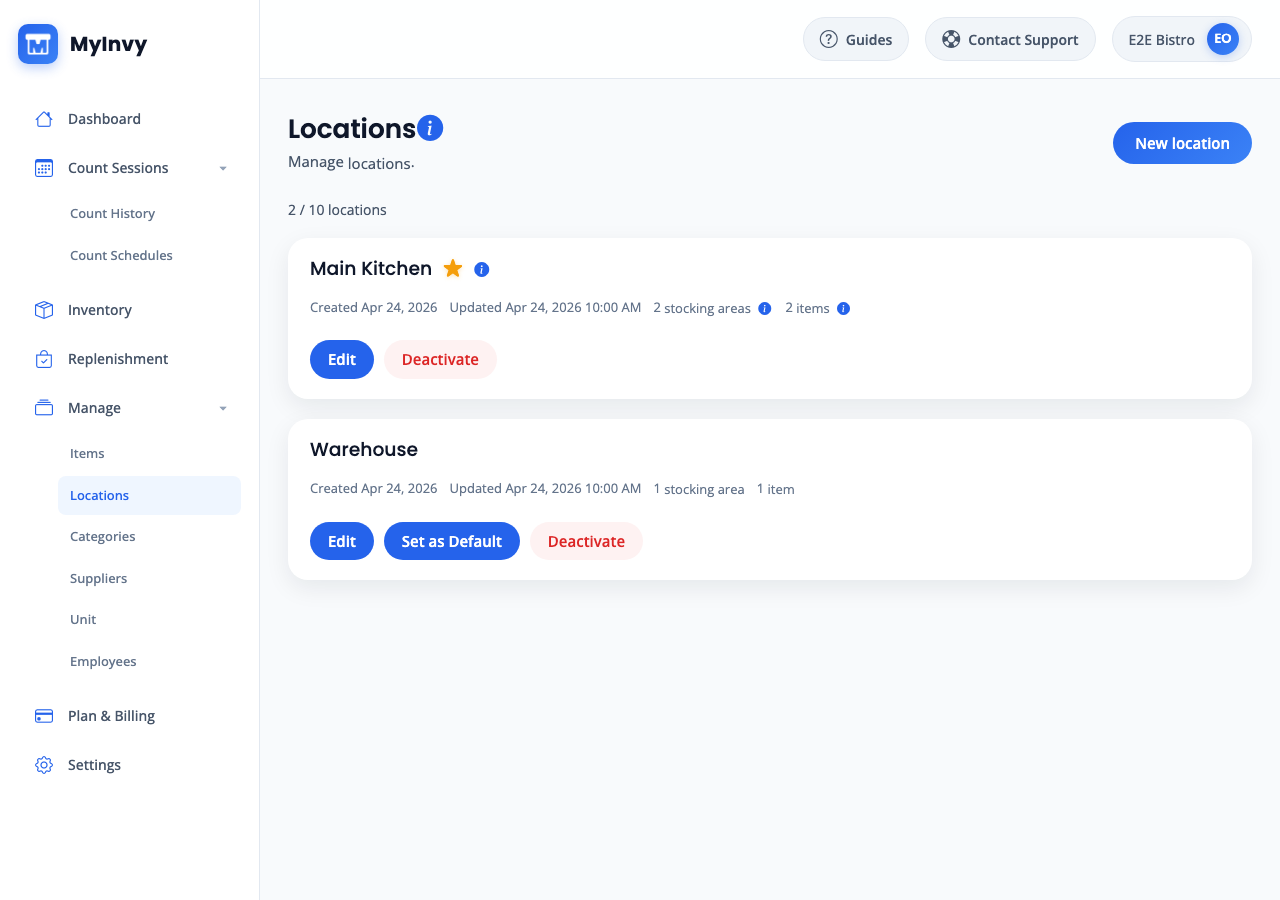
Assign items to wells, coolers, cages, storage rooms, and satellite bars so staff count where stock actually sits.
Count by stocking area, track cases and individual units, review low-stock items, and create transfer drafts when one bar needs stock from another location.
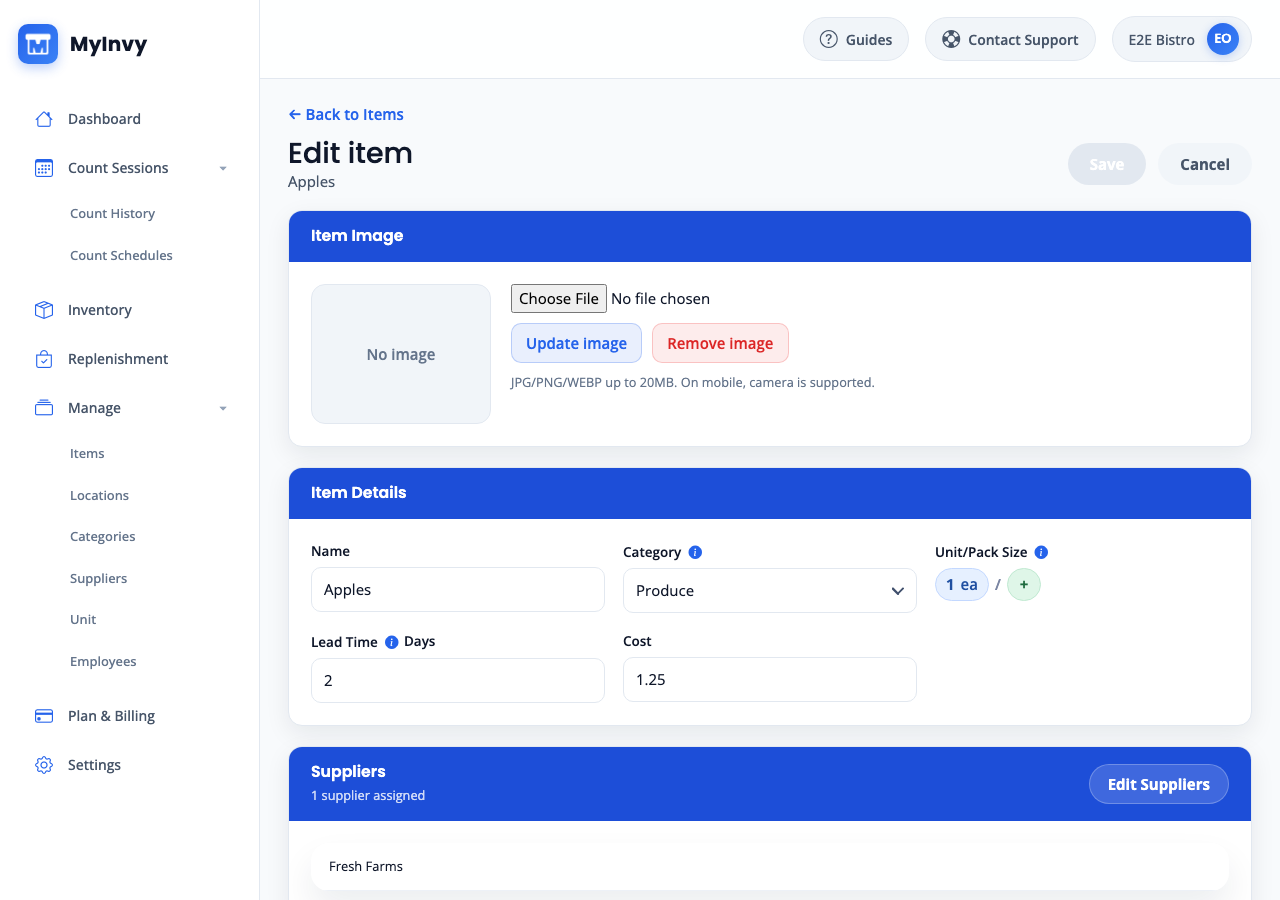
Item setup supports categories, suppliers, units, pack sizes, and location rules for bar inventory.
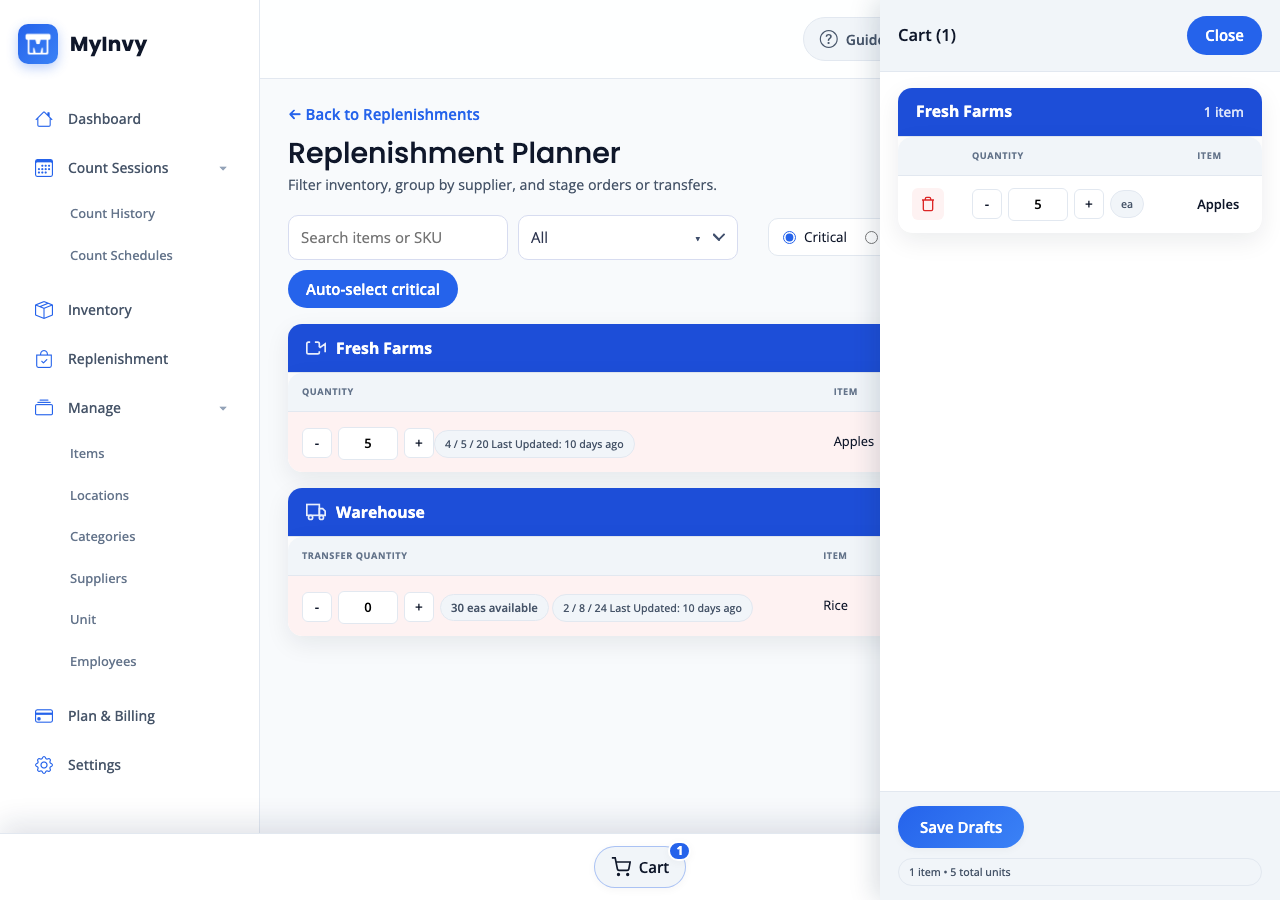
Use low-stock data to stage supplier orders or transfers from storage to the bar that needs stock.
Use Free to test one bar location, Plus for up to 3 locations with replenishment and transfers, or Pro for multi-bar teams that need staff access.
Support larger beverage, disposable, and supply catalogs.
Separate storage, service, and warehouse locations.
Give owners and four teammates access to inventory work.
Bars FAQ
Yes. MyInvy supports units of measure and pack sizes, so bars can track inventory by case, bottle, can, box, or each.
Yes. Staff can run mobile count sessions by location or stocking area and complete counts from phones or tablets.
Yes. MyInvy supports transfer drafts so teams can move stock between warehouse, back-bar, and service locations.
Yes. Owners can start free, import or skip items, and compare MyInvy counts with the existing spreadsheet during rollout.